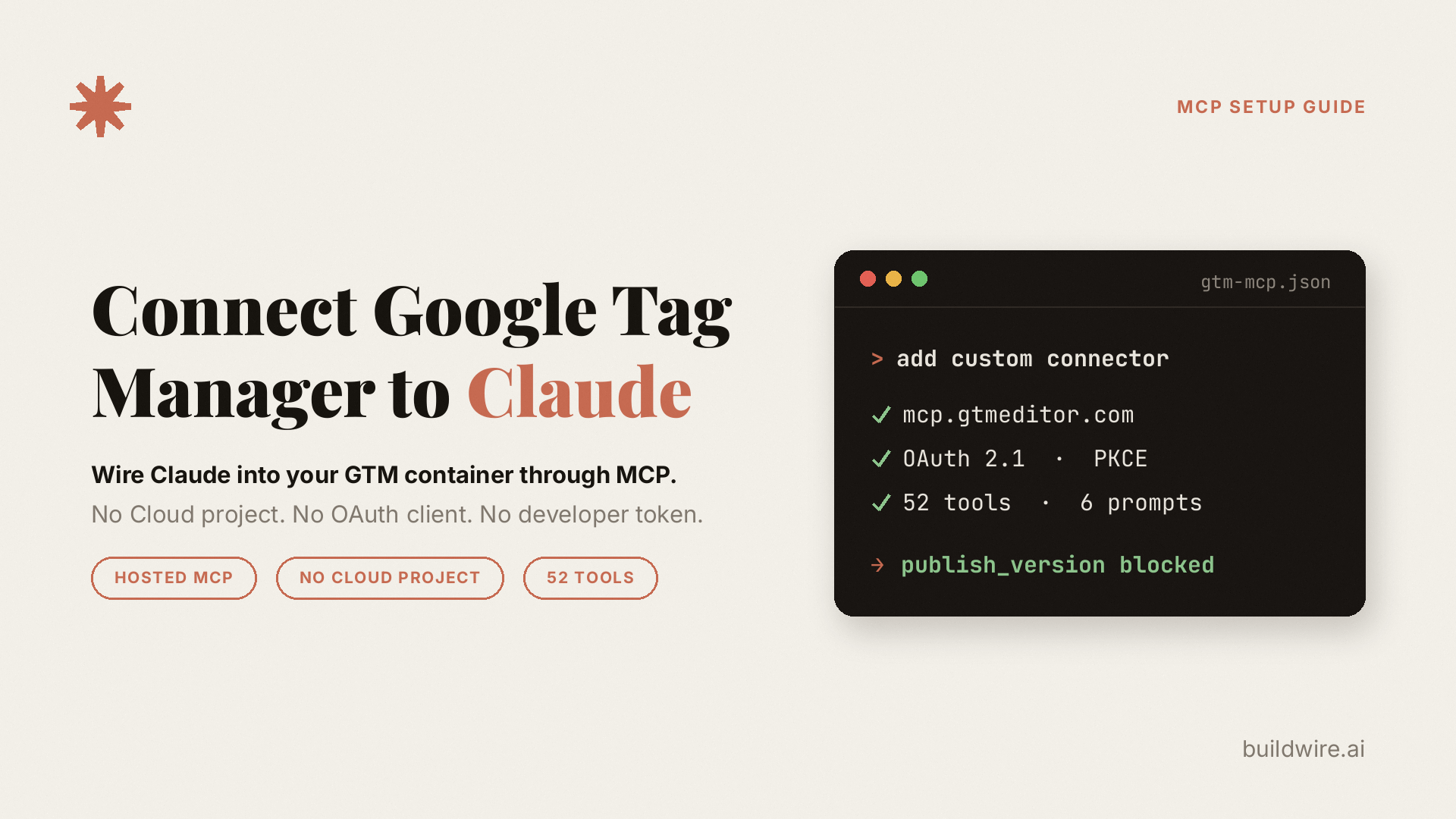
Summary
Connecting Google Tag Manager to Claude through a hosted MCP server does not require your own Google Cloud project, OAuth client, or developer token. You need a Google account that already has access to a GTM container and a Claude account that can use custom connectors.
A GTM MCP server sits between Claude and the Google Tag Manager API. Changes made through the server land in a GTM workspace. Publishing is a separate operation.
Read-only auditing does not change the live container, but container data still passes through the MCP server. The practical production risk comes from approving workspace changes and then publishing them without reading the diff.
What is a GTM MCP server?
Model Context Protocol, or MCP, is an open standard that lets AI clients call external tools through a common interface.
A GTM MCP server applies that interface to Google Tag Manager. It authenticates with Google, translates tool calls into Tag Manager API requests, and returns structured results.
The request path is: you, Claude, the MCP server, the Google Tag Manager API, and your container. Claude does not contact Google Tag Manager directly.
The server works with the permissions of the connected Google account. View access supports reads. Edit or publish access permits the corresponding actions when the server exposes and allows them.
Which GTM MCP server should you use?
Three routes are available: GTMEditor, Stape, or a self-hosted server. The published documentation differs, so verify the current terms and tool list before using one with a client container.
| GTMEditor | Stape | Self-hosted | |
|---|---|---|---|
| Endpoint | mcp.gtmeditor.com | gtm-mcp.stape.ai/mcp | Your own |
| Transport | Streamable HTTP | stdio through mcp-remote | Your choice |
| Cloud project needed | No for hosted use | No for hosted use | Yes |
| Published tool count | 52 | Not stated in the README | Depends on the server |
| Server-side GTM | Published client and transformation tools | Check the current tool list | Depends on the server |
| Repository license | BSD-3-Clause | Apache-2.0 | Depends on the server |
| Data path | Third-party hosted server | Third-party hosted server | Your infrastructure |
| Hosted pricing | Not published when reviewed | Not published when reviewed | Hosting and maintenance |
GTMEditor is the shortest documented setup and publishes a detailed tool list. Stape is another hosted option and may fit teams already using Stape. Self-hosting gives you control over the server and data path, but adds Google Cloud, OAuth, hosting, and maintenance work.
This guide uses GTMEditor for the connection steps. The permission and review process applies to any server that separates workspace edits from version publishing.
What do you need before connecting?
- A Google account with access to at least one GTM container
- A Claude account with custom connectors available
You do not need your own Google Cloud project, OAuth client, or developer token for a hosted connection. Those are needed when you self-host.
Your GTM role sets the boundary. View-only access supports read operations. Edit and publish permissions can permit the corresponding tools. The server does not add GTM permissions to your Google account.
How do you connect Google Tag Manager to Claude?
Claude web or desktop
- Open Customize, then Connectors.
- Select Add custom connector.
- Enter
https://mcp.gtmeditor.com. - Add the connector and sign in with Google when prompted.
- Enable the connector for the conversation where you want to use it.
Claude Code
claude mcp add -t http gtm https://mcp.gtmeditor.comGTMEditor documents OAuth 2.1 with PKCE over streamable HTTP. It states that credentials are not stored and that access can be revoked from your Google account.
Confirming it worked
Ask Claude: Run auth_status and list my GTM accounts.
If the account tree comes back, the connection and Google authorization are working.
Is it safe to give Claude write access to your GTM container?
Read operations do not change the container. They still expose container data to the connected MCP server.
Write access needs a review process. GTMEditor documents these controls:
- Changes land in a workspace before they reach the live container.
- Creating a version and publishing it are separate operations.
- Deletion and publishing tools require confirmation.
- Container versions support the normal GTM review and rollback process.
A common failure path is approving a group of workspace changes without reading them, then publishing the version. The useful safeguard is a separate human review before production.
Recommended permission configuration
Claude can ask before connector tools run. Configure access by consequence so repetitive read approvals do not train you to accept write prompts without reading them.
Always allow: reads and utilities
list_accounts, list_containers, list_workspaces, list_tags, get_tag, list_triggers, get_trigger, list_variables, get_variable, list_folders, get_folder_entities, list_built_in_variables, get_workspace_status, list_versions, get_tag_templates, get_trigger_templates, list_templates, get_template, list_clients, get_client, list_transformations, get_transformation, ping, and auth_status.
Ask each time: creates and updates
create_tag, update_tag, create_trigger, update_trigger, create_variable, update_variable, create_workspace, enable_built_in_variables, create_version, create_template, update_template, import_gallery_template, create_client, update_client, create_transformation, update_transformation, update_container, and update_account.
Block until needed: deletions and production actions
delete_tag, delete_trigger, delete_variable, delete_container, delete_template, delete_client, delete_transformation, disable_built_in_variables, publish_version, and create_container.
publish_version is the operation in this list that can put a container version live. Keeping it blocked means publishing from the GTM interface after reading the workspace diff.
A review-first edit workflow
- Create a separate workspace for the task.
- Make the requested changes in that workspace.
- Run
get_workspace_statusand read the full diff. - Create a version.
- Publish from the GTM interface after reviewing the version.
What can Claude do with your container?
GTMEditor's published list contains 52 tools: 12 read operations, 2 utilities, 16 general write operations, 10 server-side container tools, 4 version and publishing operations, and 8 template operations.
It also documents six workflow prompts: audit_container, best_practices_review, plan_safe_edit, generate_tracking_plan, suggest_ga4_setup, and find_gallery_template.
The server publishes MCP resources for naming, safe edits, GA4 and consent patterns, and server-side tagging. Claude can read those resources before reviewing a container.
Common tasks include:
- Auditing a container for duplicates, orphaned triggers, and naming differences
- Generating a tracking plan as Markdown
- Creating GA4 event tags and matching triggers
- Renaming groups of items
- Importing templates from Google's Community Template Gallery
- Managing server-side clients and transformations
What are the limitations?
The Google API can drop autoEventFilter
GTMEditor documents an issue where the Google Tag Manager API can discard autoEventFilter when creating or updating linkClick, click, or formSubmission triggers. The API can return HTTP 200 and a new fingerprint without persisting that field.
This affects conditions for some link-click and form-submission triggers. Set those conditions in the GTM interface, then use the server to read them. The repository tracks the behavior as issue 33.
Tag parameter structures need review
GTM's parameter format is easy to get wrong, especially for GA4 event parameters. Read the generated parameters before saving them. GTMEditor also publishes a Claude Code Skill and API reference material for these formats.
Hosted servers are third parties
Google and Anthropic do not maintain these servers. Review the server operator, requested OAuth scopes, data path, and terms before connecting client-owned containers or accounts covered by a data processing agreement.
Hosted pricing is not published
When this guide was reviewed, neither GTMEditor nor Stape listed hosted-endpoint pricing in the linked repository documentation. The repositories are open source, but self-hosting still has infrastructure and maintenance costs.
How do you self-host a GTM MCP server?
GTMEditor documents a Docker path. You provide a Google Cloud project with the Tag Manager API enabled, OAuth 2.0 web credentials, and the callback URLs required by the clients you plan to use.
Its current example includes:
https://claude.ai/api/mcp/auth_callback
https://claude.com/api/mcp/auth_callback
https://chatgpt.com/connector_platform_oauth_redirect
https://your-domain.com/oauth/callback
A service-account mode is also documented for teams. GTM calls run under the service account, while clients connect to the server with the configured access method. Review the security model before sharing that access across a team.
Key takeaways
- A hosted GTM MCP server can connect Claude without your own Google Cloud setup.
- Read operations do not alter production, but hosted requests still send container data through a third party.
- Workspace changes and version publishing are separate operations.
- Blocking
publish_versionkeeps the final production action in the GTM interface. - Check hosted pricing, terms, and the current tool list before using a server for client work.
Sources
- sprawz/gtm-mcp-server, including the published tool list, security notes, license, and known issue 33
- stape-io/google-tag-manager-mcp-server
- Google Tag Manager API v2 documentation
- Anthropic custom connector guidance
- Model Context Protocol specification
Frequently asked questions
Do I need a Google Cloud project to connect GTM to Claude?
No, not when you use a hosted MCP server such as GTMEditor or Stape. A Google Cloud project with the Tag Manager API enabled is required when you self-host.
Can Claude publish changes to my live GTM container?
Only if you allow the publishing tool. Changes land in a workspace first, and publish_version is a separate operation. Blocking that tool keeps publishing in the GTM interface.
Which Claude plan do I need?
Remote custom connectors are available on Free, Pro, Max, Team, and Enterprise plans while the feature is in beta. Free accounts are limited to one custom connector, and organization owners control setup on Team and Enterprise plans.
Does this work with ChatGPT or Gemini?
The GTMEditor server supports MCP clients that can use OAuth 2.1 with PKCE over HTTP, including ChatGPT and Gemini CLI. Client setup steps differ.
Can Claude manage server-side GTM containers?
GTMEditor's published tool list includes ten tools for server-side clients and transformations, including create, read, update, and delete operations.
What happens if my Google account only has view access?
Read tools can work, while write tools should fail because the MCP server uses the permissions granted to the connected Google account.
Is my GTM data stored by the MCP server?
GTMEditor states that it does not store credentials and uses revocable token-based authentication. Container data still passes through the hosted server during requests. Self-hosting removes that third-party server path.
How much does a GTM MCP server cost?
GTMEditor and Stape did not publish hosted-endpoint pricing when this guide was reviewed. Their source repositories are available under open-source licenses, while self-hosting still carries infrastructure and maintenance costs.
Last reviewed 5 August 2026. Sources and product behavior checked on 5 August 2026. Hosted-server terms, pricing, tool lists, and API behavior may change.
