Reports from late September 2026 describe Gemini adding tags to outbound links. Most AI visits still reach your site without a clean label. Google added a built-in AI Assistant channel to GA4 on May 13, 2026, and it catches part of the picture.
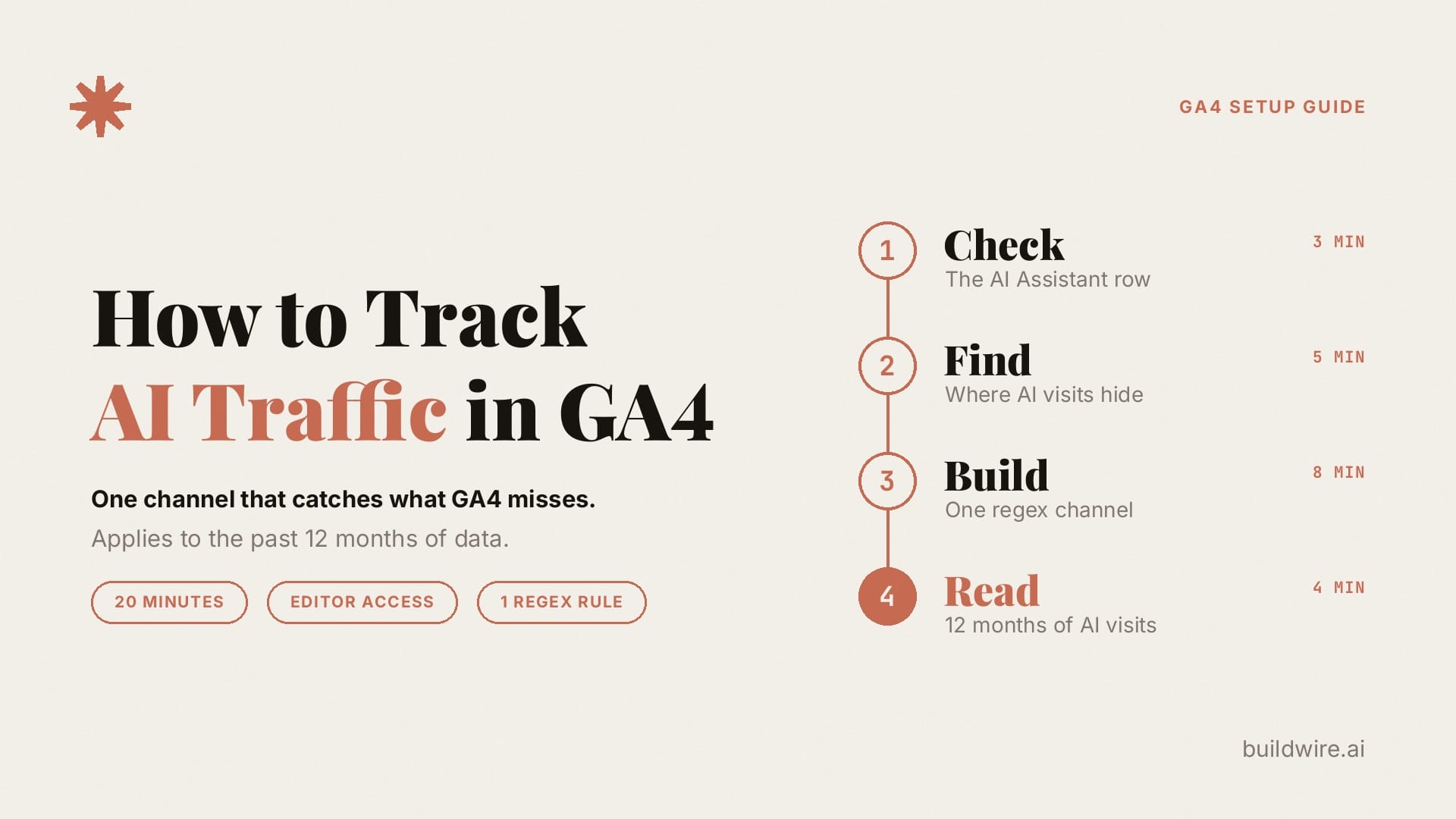
To track AI traffic in GA4, check the built-in AI Assistant channel first, then look for identifiable AI visits in Referral and Unassigned, and understand why some visits remain in Direct. Next, build one custom channel group with a single regex rule that matches the AI assistant sources you want to track. The setup takes about 20 minutes and needs Editor access. It also applies to your past data, so you can review the last 12 months where data is available. It cannot identify Direct visits with no source signal.
Key takeaways
- GA4's built-in AI Assistant channel counts recognised assistants such as ChatGPT and Gemini, but only from May 13, 2026 onward.
- Perplexity can land in Referral, and tagged ChatGPT links can land in Unassigned, and app clicks with no referrer land in Direct.
- One custom channel with a Source regex rule groups visits with an identifiable AI source and applies to available historical data.
- Google's AI Overviews and AI Mode stay in Organic Search. Search Console reports their impressions, not their clicks.
The sections below cover the four steps, where each assistant lands by default, the regex in plain language, and a five-minute monthly check.
What counts as AI traffic in GA4?
AI traffic is the set of human visits that start with a click inside an AI assistant. A person asks ChatGPT, Gemini or Perplexity a question, the answer cites your page, and the person clicks the link. GA4 records that visit like any other session. The assistant shows up as the session source when the browser passes a referrer or when the link carries a UTM tag.
Two more terms come up in every step:
- A channel group is a set of rules that sorts each session into one named channel, such as Organic Search or Referral. GA4 ships a default group that you cannot edit, and lets you build custom ones.
- A UTM tag is a label added to the end of a link, such as utm_source=chatgpt.com. GA4 reads it as the source of the visit, even when the browser drops the referrer.
AI crawlers are a different thing. GPTBot, ClaudeBot and PerplexityBot read your pages to build answers, but they do not run your GA4 tag, so they never appear in these reports. Crawler activity lives in server logs or in tools such as Cloudflare's bot reports. Citations without clicks are a third thing. A page can appear in an AI answer many times and send no visits. This guide measures clicks only. To measure citations, use an AI visibility tracker or Search Console, covered below.
What you need before you start
- Editor access or higher on your GA4 property. Google requires the Editor role to create and edit channel groups.
- One free custom channel group. A standard property gets two custom groups on top of the default group. A GA4 360 property gets five.
- 20 minutes.
Step 1: How do you check the built-in AI Assistant channel? (3 minutes)
- Open Reports, then Acquisition, then Traffic acquisition.
- Find the AI Assistant row.
- Change the primary dimension to Session source / medium.
- Look for rows with the medium ai-assistant. These are the assistants GA4 recognised.
Google's channel definition names ChatGPT, Gemini, DeepSeek, Copilot and Grok as examples. The launch note also named Claude, but the current definition does not, so check where claude.ai lands in your own property. Google has not published the full list.
Two limits apply here. The channel only counts traffic from its launch date onward, because GA4 sets the ai-assistant medium as it processes new visits. It also leaves out Google's own AI answers in Search, which GA4 counts as Organic Search.
Step 2: Where does GA4 hide the AI visits it misses? (5 minutes)
AI visits hide in three other places. Stay in the Session source / medium view and search for each one.
- Referral. Perplexity is missing from Google's examples. Search for "perplexity". If the row shows perplexity.ai / referral, GA4 counts it as an ordinary referral. Do the same check for claude.ai and meta.ai.
- Unassigned. OpenAI's publisher FAQ says ChatGPT adds utm_source=chatgpt.com to links in its search results. The tag sets a source but no medium. Look for chatgpt.com / (not set). GA4 can file those sessions under Unassigned.
- Direct. Mobile apps and in-app browsers often strip the referrer. A visit with no referrer and no tag looks like someone typed your URL. A UTM tag travels inside the link itself, so Gemini's new tags can bring some of those visits back. Google has not documented the tags, so watch for a new Gemini source over the next few weeks.
Where does each AI source land by default?
| Source of the click | Default GA4 channel | Why |
|---|---|---|
| ChatGPT, Gemini, Copilot, DeepSeek, Grok (with referrer) | AI Assistant | Named in Google's current channel definition |
| Claude (with referrer) | AI Assistant or Referral | Named in the May 13 release note, absent from the current definition |
| Perplexity | Referral or AI Assistant: check your property | Google's examples are not a complete recognition list |
| ChatGPT link with utm_source=chatgpt.com and no medium | Can land in Unassigned | The tag sets a source but no medium |
| Gemini link with the new tag | Unknown for now | Google has not documented the tag values |
| Google AI Overviews and AI Mode | Organic Search | Excluded from the AI Assistant channel by definition |
| App or webview click with no referrer and no tag | Direct | GA4 has no signal to classify |
Treat the Claude and Gemini rows as checks to run in your own property. They can change without notice.
Step 3: How do you build your own AI channel in GA4? (8 minutes)
- Go to Admin, then Data display, then Channel groups.
- Click Create new channel group. The new group starts as a copy of the default group.
- Name it Default + AI.
- Click Add new channel and name it AI assistants (all).
- Add a condition: Source, matches regex, and paste this pattern:
.*(chatgpt|openai|gemini|perplexity|claude|copilot|deepseek|grok|meta\.ai).*
- Click Save channel.
- Click Reorder. Drag AI assistants (all) below the paid channels and above Organic Search, Referral and GA4's own AI Assistant channel. Click Apply.
- Click Save group.
GA4 puts each session in the first channel whose rule it matches, from the top of the list down, as Google's custom channel group guide explains. Its own AI example also places the channel above Referral. A position below the paid channels keeps clicks on ads you run inside ChatGPT in Paid. A position above Referral and the built-in AI Assistant channel sends matching non-paid AI sources to your new channel, including identifiable Perplexity visits and tagged ChatGPT links.
What does the regex pattern mean?
The pattern reads in three parts. The .* at each end lets other text sit before and after the brand name, so chatgpt.com, www.perplexity.ai and gemini.google.com all match. The brackets hold a list of options separated by |, and a match on any one option counts. The backslash in meta\.ai makes the dot a real dot, so the rule matches meta.ai and nothing like "metaxai".
The pattern matches brand words instead of exact domains, because Gemini's new tags may use a source value that nobody has seen yet. A brand-word rule can catch a new value if it contains one of the listed names.
If your source list shows look-alikes, switch to this tighter version, which matches exact domains only:
^(chatgpt\.com|chat\.openai\.com|gemini\.google\.com|perplexity\.ai|www\.perplexity\.ai|claude\.ai|copilot\.microsoft\.com|chat\.deepseek\.com|grok\.com|meta\.ai)$
The tight version misses any new source value until you add it. Pick the loose version while Gemini's tags are new, and tighten it later.
Step 4: How do you read AI traffic in one report? (4 minutes)
- Back in Traffic acquisition, open the primary dimension menu and pick your Default + AI group.
- Add Session source as a secondary dimension. This splits AI visits by assistant.
- Set the date range to the last 12 months. Custom channel groups apply to past data in reports, so you see the trend from before Google added its own channel on May 13, 2026.
- Compare engagement rate and key events for AI visits against Organic Search.
What should you do with the AI traffic number?
A channel total is useful once it changes a decision. Three reads give you that.
First, open Pages and screens or Landing page with the same channel group as a filter. The landing pages show where identifiable AI clicks arrive. Review those pages alongside the actual answers, since a click does not prove how or why an assistant cited a page.
Second, compare conversion quality. If AI visits convert to key events at a higher rate than Organic Search, a small channel can still earn a larger share of attention in your reporting. If the rate is lower, check whether assistants send people to the wrong page.
Third, connect clicks to citations. GA4 shows the visits. It cannot show how often an assistant named you without a click. For that layer, run a fixed set of buyer prompts through an AI visibility tracker. Our guide to picking an AI visibility tracker by job covers that choice.
How do you check AI traffic every month?
Run this five-minute check on the first working day of each month.
- Open Traffic acquisition with the Default + AI group and the previous month as the date range.
- Scan the Session source list for new AI sources, such as a new Gemini source value.
- Scan for look-alikes that do not belong, and tighten the pattern if you find one.
- Compare Direct and AI assistants side by side. When a new tag appears, Direct can fall by roughly the amount the AI line gains. Check whether that shift reflects relabelled traffic before treating it as growth.
- Write the AI total, the top three assistants and the top three landing pages into your monthly report.
Our weekly marketing report template has a place for this line. If you want an alert when a traffic source moves sharply between checks, the GA4 traffic source monitor guide shows one way to set it up.
What are the honest limits of this setup?
- Treat the number as a floor. Visits from apps that strip the referrer and carry no tag still land in Direct.
- Gemini's tags are undocumented. Google has not said which links get them or what they contain, so check your source list again in two weeks.
- AI Overviews and AI Mode stay in Organic Search. Google's AI features documentation explains how that traffic is reported. Use the Generative AI performance report in Search Console for those features. It shows impressions by page, country, date and device, but no clicks and no queries.
- The pattern can catch look-alikes. A referral from the Gemini crypto exchange, a site with "copilot" in its domain, or a developer arriving from openai.com would land here too. Tighten the pattern if you spot one.
- You get two custom groups on a standard property, and a deleted group cannot be restored. Name this one clearly.
Why does a marketing AI studio care about AI traffic in GA4?
We build AI agents and automations for marketing and growth teams, and a lot of that work starts with reporting. Alerts that catch a traffic drop the day it happens and weekly summaries that explain what moved both depend on clean channel labels. When AI visits hide in Referral, Unassigned and Direct, downstream reports can give an incomplete picture. This channel group is the input we set up before anything else reads the data. If your team wants that layer built and running, see what we build or read more about us.
Sources
- Google Analytics Help: Default channel group
- Google Analytics Help: Custom channel groups
- Google Analytics Help: What's new in Google Analytics (May 13, 2026 release)
- OpenAI Help Center: Publishers and Developers FAQ
- Search Engine Journal: Google Gemini Adds UTM Parameters For Referral Attribution (October 1, 2026)
- Google Search Central: AI features and your website
- Google Search Console Help: Generative AI performance report
Want more measurement setups like this one, written up step by step? Subscribe to The AI Driven Marketer newsletter, and follow along as we turn messy marketing data into numbers a team can act on.
If you would rather have the reporting layer built for you, book a call.
Frequently asked questions
Does GA4 track ChatGPT traffic automatically?
GA4 tracks part of it automatically. Since May 13, 2026, GA4 puts ChatGPT visits that arrive with a referrer into the built-in AI Assistant channel with the medium ai-assistant. ChatGPT links that carry utm_source=chatgpt.com without a medium can land in Unassigned, and app visits with no referrer land in Direct. A custom channel group that matches ChatGPT by source catches all of the visits that carry any ChatGPT signal.
Why does Perplexity show up as Referral in GA4?
If your property shows perplexity.ai / referral, that visit has not been classified under AI Assistant. Google's examples are not a complete recognition list, so its absence from the examples does not establish that it is excluded in all properties. A custom channel placed above Referral moves it into your AI channel.
Do I still need a custom channel group now that GA4 has an AI Assistant channel?
Yes, for two reasons. The built-in channel only fills from May 13, 2026 onward, while Google says custom channel groups apply to past data in reports. Some identifiable AI sources and tagged links may appear outside the built-in channel. A custom group gives you a source rule you control and a view of available historical data.
Can GA4 show traffic from Google AI Overviews and AI Mode?
No. Clicks from AI Overviews and AI Mode arrive with a Google search referrer, and GA4 counts them as Organic Search. No channel rule can split them out. Search Console's Generative AI performance report shows how often your pages appear in those features, but it reports impressions only, with no clicks or queries.
Will a custom channel group change my existing data?
No. A custom channel group is a new way to read the data. It does not edit sessions or change the default channel group. You pick it from the primary dimension menu when you want it, and your other reports stay as they were.
Why is some AI traffic still in Direct after this setup?
Some assistant apps and in-app browsers strip the referrer, and some links carry no UTM tag. A visit with neither signal looks the same as a typed URL, so GA4 files it under Direct. No channel rule can recover it. Gemini's new tags may move part of this traffic out of Direct over the coming weeks.
Last reviewed 5 October 2026. Google Analytics, OpenAI and Search Console documentation were checked on 5 October 2026. Source classification can vary by property. Visits without a source signal remain unidentified.
