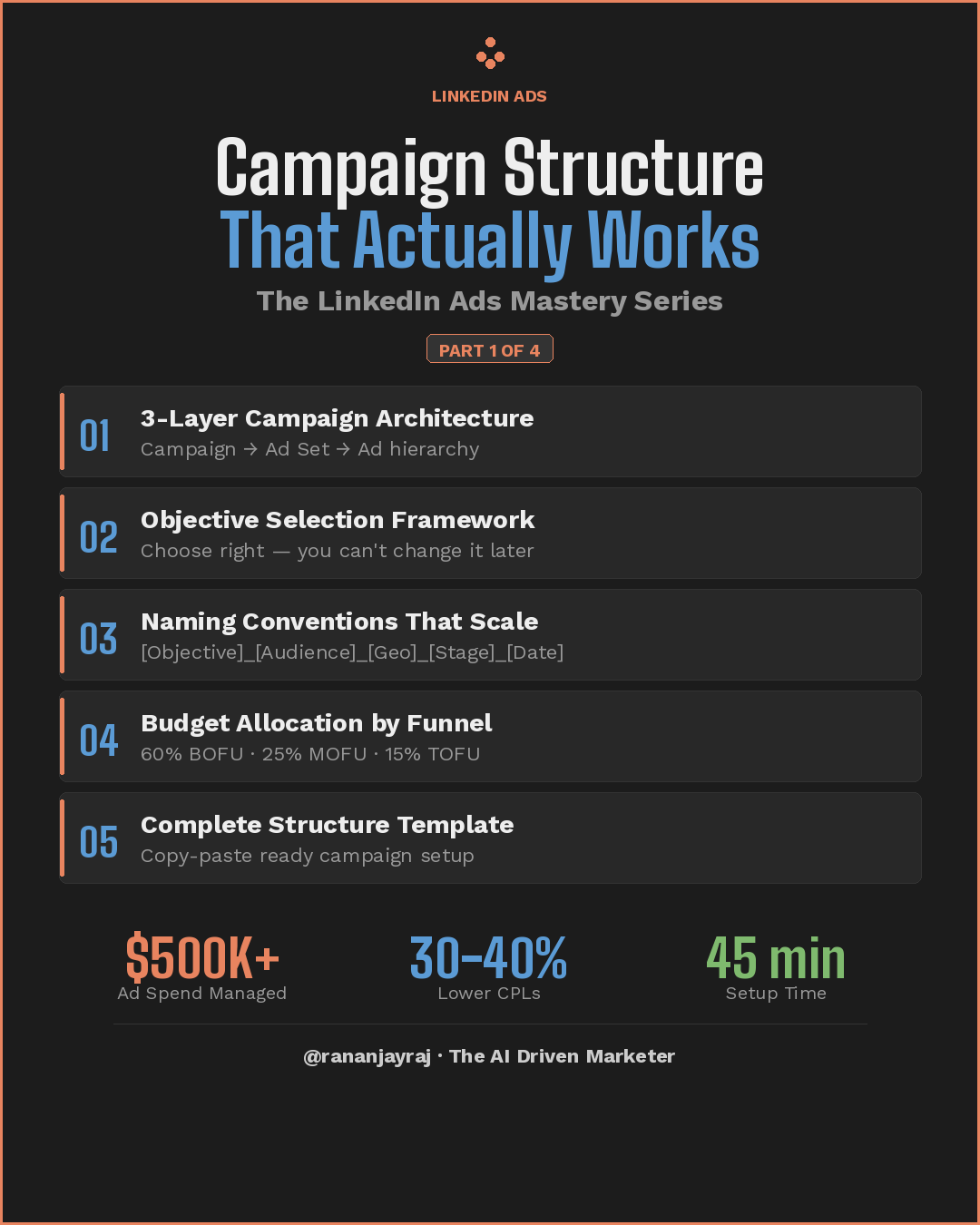
Most LinkedIn Ads campaigns fail before a single impression is served. Not because of bad creative or weak targeting — but because of broken campaign structure that makes optimization impossible.
This guide walks you through building a LinkedIn Ads campaign architecture that delivers 30-40% lower CPLs and sets up in under 45 minutes.
📥 Download the Interactive Checklist
Grab the companion XLSX checklist beloto track your progress as you build. It includes checkbox tracking, priority levels, conditional formatting, and pro tips embedded in every section.
💡 How to use: Open in Excel or Google Sheets, check off each item as you complete it, and use the Notes column for your own campaign-specific details.
The LinkedIn Ads Hierarchy (Updated Oct 2025)
LinkedIn renamed its campaign hierarchy in late 2025 to align with industry standards:
Old Name | New Name | Function |
|---|---|---|
Campaign Group | Campaign | Top-level container — budget caps, scheduling, initiative grouping |
Campaign | Ad Set | Audience, objective, bid strategy, format selection |
Ad | Ad | Creative asset — copy, image/video, CTA |
Structure it like this:
Campaign (formerly Campaign Group)
  └── Ad Set 1: TOF — Awareness — Decision Makers
  │     └── Ad A (Single Image)
  │     └── Ad B (Video)
  └── Ad Set 2: MOF — Consideration — Website Retargeting
  │     └── Ad C (Carousel)
  │     └── Ad D (Document Ad)
  └── Ad Set 3: BOF — Conversion — Lead Gen Form
        └── Ad E (Single Image + Lead Gen)
        └── Ad F (Message Ad)
Phase 1 — Pre-Launch Foundations
- [ ] Install LinkedIn Insight Tag on all website pages (global header placement)
- [ ] Set up conversion events in Campaign Manager (form fills, demo requests, purchases)
- [ ] Wait 48-72 hours for Insight Tag audience population
- [ ] Define campaign objectives per funnel stage
- [ ] Establish naming convention system
- [ ] Install Insight Tag 2.0 for Revenue Attribution Reports (RAR)
💡 Pro Tip: Use the LinkedIn Tag Helper Chrome extension to verify your Insight Tag is firing correctly on every page.
Phase 2 — Campaign Structure (Top Level)
- [ ] Create separate Campaigns by initiative (e.g., "Q1 2026 Product Launch", "Always-On Demand Gen")
- [ ] Set campaign-level budget caps to prevent overspend
- [ ] Define campaign flight dates (lifetime budget = fixed flight, daily = always-on)
- [ ] Assign UTM parameters at campaign level using Dynamic UTMs
💡 Pro Tip: Use lifetime budgets for campaign flights with fixed end dates — LinkedIn paces spend more evenly. Use daily budgets for always-on campaigns you adjust weekly.
Phase 3 — Ad Set Structure (Audience + Objective Level)
- [ ] Create dedicated ad sets per funnel stage (never mix TOF and BOF)
- [ ] One audience segment per ad set (separate by persona, company size, seniority)
- [ ] Select correct objective per ad set — cannot be changed after creation
- [ ] Set minimum $50/day budget per ad set ($100+/day recommended)
- [ ] Choose bid strategy: start with Maximum Delivery
- [ ] Exclude employees, competitors, and current customers
- [ ] Apply frequency caps where available
Objective Selection by Funnel Stage
Funnel Stage | Objective | Use When |
|---|---|---|
TOF | Brand Awareness | Maximizing reach to cold audiences |
TOF | Website Visits | Driving traffic to content/blog |
MOF | Engagement | Building social proof on posts |
MOF | Video Views | Warming audiences with video content |
BOF | Lead Generation | Capturing leads with native forms |
BOF | Website Conversions | Driving signups/demos via Insight Tag |
⚠️ You cannot change the objective after ad set creation. Choose deliberately.
Phase 4 — Ad Level (Creative)
- [ ] Run 3-5 ad variations per ad set (different hooks, visuals, CTAs)
- [ ] Match ad format to objective (Lead Gen → Single Image + Form, Awareness → Video)
- [ ] Apply consistent ad naming convention:
[Variant]_[HookType]_[CTA]_[Version] - [ ] Don't mix ad formats within a single ad set
💡 Pro Tip: Let LinkedIn's algorithm optimize delivery across your ad variants for at least 7 days before pausing underperformers.
Phase 5 — Budget Allocation
Funnel-Based Split (Recommended Starting Point)
Funnel Stage | % of Budget | Rationale |
|---|---|---|
TOF (Awareness) | 15-20% | Build retargeting pools, establish brand |
MOF (Consideration) | 20-25% | Nurture engaged audiences |
BOF (Conversion) | 60% | Drive leads from warmed audiences |
- [ ] Apply funnel-based budget split
- [ ] Cold-start exception: If you have no retargeting audiences, flip to 60% TOF first
- [ ] Set learning phase budget (10-14 days — avoid major changes)
- [ ] Plan weekly budget review cadence (every Monday)
💡 Pro Tip: LinkedIn's learning phase needs stability. Resist the urge to change bids daily — give each change at least 3-5 days to show results.
Phase 6 — Tracking & Measurement
- [ ] Build retargeting segments (30-day, 90-day, 180-day website visitors)
- [ ] Set up Revenue Attribution Report (RAR)
- [ ] Enable Website Demographics reporting
- [ ] Configure CRM integration (map lead gen form fields, test hidden fields)
- [ ] Create performance dashboard (CPL, CTR, conversion rate, pipeline by funnel)
💡 Pro Tip: Revenue Attribution Reports connect your LinkedIn campaign data to actual pipeline and revenue — essential for proving ROI to leadership.
Naming Convention System
Campaign Level
[Initiative]_[Quarter]_[Year]
Example: ProductLaunch_Q1_2026
Ad Set Level
[Funnel Stage]_[Objective]_[Audience]_[Format]_[Date]
Examples:
TOF_Awareness_CMOs-SaaS-500+_Video_Mar26MOF_Engagement_WebRetarget-30d_Carousel_Mar26BOF_LeadGen_ABM-Enterprise_SingleImg_Mar26
Ad Level
[Variant]_[Hook Type]_[CTA]_[Version]
Example: A_PainHook_DownloadGuide_v2
Launch Readiness — Final QA
- [ ] Verify Insight Tag is firing on all pages (use Tag Helper extension)
- [ ] Test lead gen forms end-to-end (submit → CRM delivery → hidden fields)
- [ ] Review all ad set targeting for exclusions
- [ ] Confirm naming conventions are applied across all levels
- [ ] Set calendar reminders: Day 3 (health check), Day 7 (early signals), Day 14 (first optimization)
5 Common Structural Mistakes to Avoid
- Mixing objectives in one ad set — Each ad set should have ONE objective
- Too many audiences in one ad set — Separate audiences for clean signal
- No naming convention — 6 months in, you'll have 40+ ad sets and no idea what's what
- Skipping TOF entirely — Going straight to BOF with cold audiences = expensive, low-quality leads
- Budget too thin — $10/day across 5 ad sets means nothing exits learning phase
Checklist
Download the Excel Checklist here:
The interactive spreadsheet has 35 action items across 7 phases, each with dropdown status tracking (☐ Not Done / ⏳ In Progress / ✅ Done), conditional formatting that color-codes rows by status (green/yellow/red), priority levels with data validation, pro tips after each section, and a progress tracker at the bottom that auto-calculates completion percentage using COUNTIF formulas.
You can just open it in Excel or Google Sheets and start checking off items as you build your campaign.
|

Up Next: Series 2/4
LinkedIn Ads Creative That Converts — Single image vs. carousel vs. video performance, headline formulas, description copy, CTA button selection, and a creative testing framework.
Created by @rananjayraj · The AI Driven Marketer
Newsletter: theaidrivenmarketer.beehiiv.com
