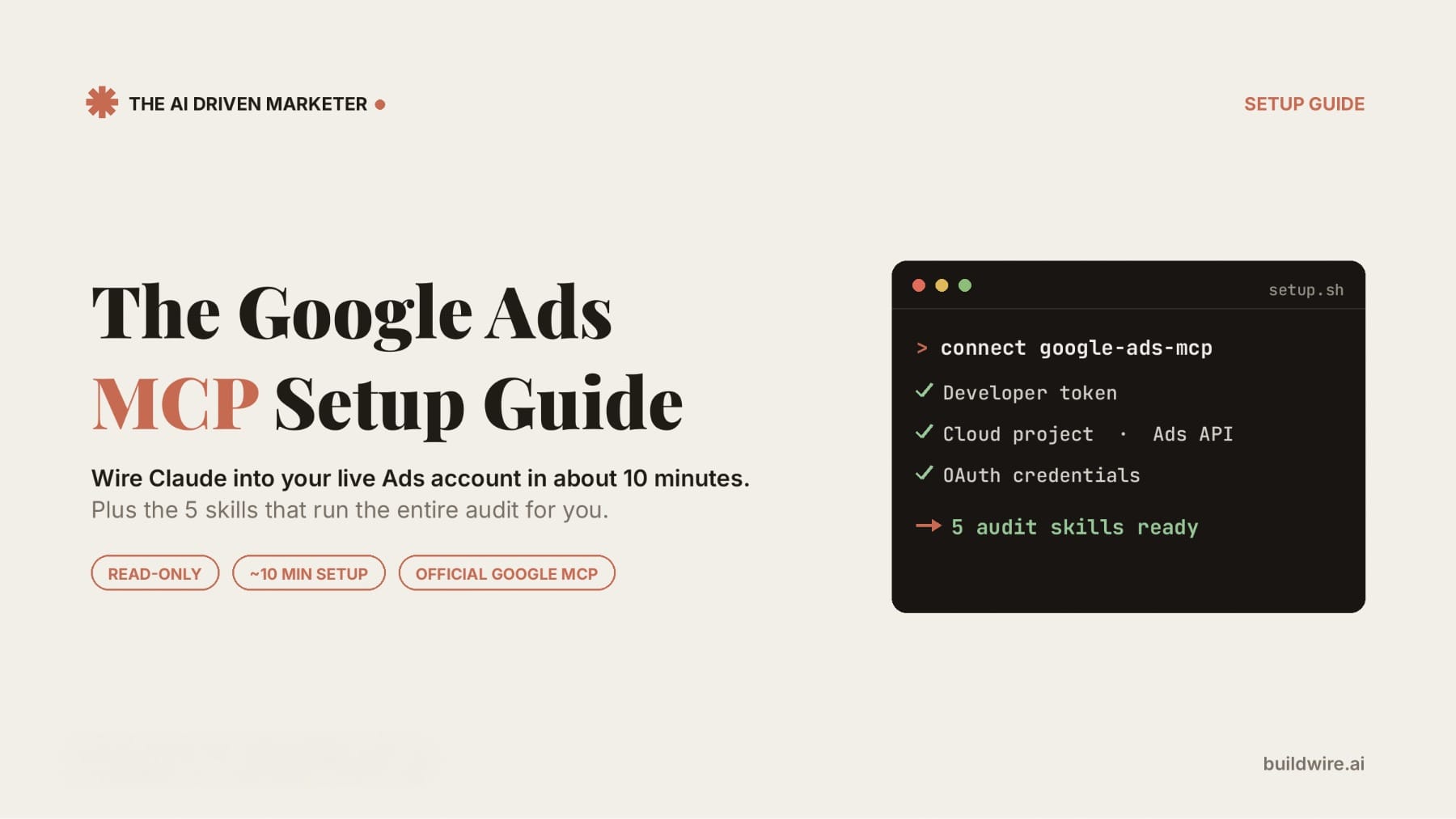
You can connect Claude to your Google Ads account using Google's official open source MCP server (github.com/googleads/google-ads-mcp), then run the google-ads-weekly-audit Claude Skill to produce a complete audit: performance diagnostic, search terms analysis, negative keyword mining, ad copy review, and a Performance Max wastage check, in one unified report. Setup takes roughly 30-45 minutes the first time. After that, the audit runs on a single prompt with no CSV exports.
What is the Google Ads MCP server?
The Google Ads MCP server is Google's official, open source Model Context Protocol server for the Google Ads API. It lets AI agents like Claude query your Ads account directly using natural language. It was released by the Google Ads API team and is maintained in the official googleads GitHub organization.
Three things to know before you start:
- It is read-only. Claude can analyze and retrieve data. It cannot change bids, pause campaigns, or edit ads. Your account is safe from accidental changes.
- It is self-hosted. You run it on your own machine (or Cloud Run). There is no Google-hosted endpoint.
- It requires a developer token. This is the one step that takes approval time, so do it first.
What do I need before starting?
| Requirement | Where to get it | Time |
|---|---|---|
| Google Ads account with data | You already have this | - |
| Google Ads developer token (Explorer access or higher) | Google Ads > Tools > API Center | 10 min + possible approval wait |
| Google Cloud project with the Google Ads API enabled | console.cloud.google.com | 5 min |
| OAuth credentials (Application Default Credentials) | gcloud CLI | 10 min |
| Python + pipx installed | pipx.pypa.io | 5 min |
| Claude Desktop (Cowork), Claude Code, or another MCP client | claude.ai/download | - |
The google-ads-weekly-audit skill | Shared with this guide | 2 min |
Step 1: How do I get a Google Ads developer token?
- Sign in to the Google Ads account (use your manager account if you have one).
- Go to Tools & Settings > Setup > API Center.
- Apply for a developer token.
- Check the access level: your token needs at least Explorer access to query live production accounts. New tokens are often upgraded automatically; if yours is stuck at test-account level, apply for Explorer access through the API Center.
If you see the error "The developer token is only approved for use with test accounts", your token has not been upgraded yet. This is the most common setup blocker.
Step 2: How do I enable the Google Ads API in Google Cloud?
- Go to console.cloud.google.com and create a project (or reuse an existing one).
- Open APIs & Services > Library.
- Search for Google Ads API and click Enable.
- Note your project ID. You will need it in Step 4.
Step 3: How do I set up credentials?
The simplest path for an individual account is Application Default Credentials (ADC).
- Install the gcloud CLI if you don't have it.
- Create an OAuth client (Desktop type) in APIs & Services > Credentials and download the client JSON.
- Run:
gcloud auth application-default login \
  --scopes https://www.googleapis.com/auth/adwords,https://www.googleapis.com/auth/cloud-platform \
--client-id-file=YOUR_CLIENT_JSON_FILE- When it completes, copy the credentials file path printed in the console ("Credentials saved to file: [...]"). You need it in Step 4.
Make sure you authenticate as a user who has access to the Google Ads account you want to audit.
Step 4: How do I add the MCP server to Claude?
Install pipx, then add this block to your MCP client's config file. For Claude Code that is ~/.claude/settings.json; for other clients, use their MCP settings file.
json
{
  "mcpServers": {
    "google-ads-mcp": {
      "command": "pipx",
      "args": [
        "run",
        "--spec",
        "git+https://github.com/googleads/google-ads-mcp.git",
        "google-ads-mcp"
      ],
      "env": {
        "GOOGLE_APPLICATION_CREDENTIALS": "PATH_TO_CREDENTIALS_JSON",
        "GOOGLE_PROJECT_ID": "YOUR_PROJECT_ID",
        "GOOGLE_ADS_DEVELOPER_TOKEN": "YOUR_DEVELOPER_TOKEN"
      }
    }
  }
}
If you access accounts through a manager (MCC) account, add one more line to the env block:
json
"GOOGLE_ADS_LOGIN_CUSTOMER_ID": "YOUR_MANAGER_CUSTOMER_ID"Restart your Claude client. You should see google-ads-mcp in the available servers.
Step 5: How do I verify the connection works?
Ask Claude:
What customers do I have access to?Claude should list your accessible customer IDs. Then try:
How is my campaign performance this week for customer id 1234567890?Tip: include the customer ID in your prompts. The MCP needs it for most queries, and stating it upfront saves a round trip.
Step 6: How do I install the google-ads-weekly-audit skill?
- Save the
google-ads-weekly-audit.skillfile you received with this guide. - In Claude Desktop / Cowork: open the skill file and click Save skill. In Claude Code: unzip it into your
~/.claude/skills/directory. - Confirm it is installed by asking Claude: "What skills do I have?"
The skill chains four analyses in sequence: performance diagnostic, search terms analysis, negative keyword mining, and ad copy review, then compiles one report with an account health score and a ranked action plan. If your account runs Performance Max campaigns, add the PMax audit as a fifth phase, see "What's actually running under the hood" below.
What's actually running under the hood?
"One command" doesn't mean one piece of logic. The weekly audit is an orchestrator: it chains several specialized skills into a single sequence, and each phase builds on the last. Knowing what's inside helps you install the right pieces and troubleshoot if a phase looks thin.
| Phase | Skill it runs | What it catches |
|---|---|---|
| 1. Performance Diagnostic | ad-performance-diagnostic | Campaign health, Quality Score issues, bid/budget problems, budget reallocation candidates |
| 2. Search Terms Analysis | search-terms-analyzer | High-intent winner queries to promote, new keyword opportunities, intent mapping |
| 3. Negative Keyword Mining | negative-keyword-miner | Wasted spend pulled straight from search term data, tiered negative lists with estimated savings |
| 4. Ad Copy Review | google-ads-copy-generator | Underperforming ad diagnosis, new RSA copy for top queries |
| 5. Performance Max Audit (optional add-on) | performance-max-auditor | PMax-specific wastage: asset group underperformance, weak audience signals, budget-limited learning phase, wasted search-term spend inside PMax |
For Search-only accounts, Phases 1-4 are all you need; the base skill runs them automatically. For accounts running Performance Max, which most founders and small teams do since Google now defaults new advertisers into it, PMax spend is usually the single biggest blind spot: it's a black box by design, and standard Search reports don't surface what's happening inside it. That's why Phase 5 exists as a separate skill rather than folded into Phase 1.
To run the full 5-phase version, save both skill files:
google-ads-weekly-audit.skill(orchestrator, Phases 1-4)performance-max-auditor.skill(Phase 5, PMax-specific)
Then prompt Claude to run both in the same session (see Step 7). Ask it to fold the PMax findings into the same unified report so you get one account health score, not two separate documents.
Step 7: How do I run the weekly audit?
With the MCP connected and the skill installed, run:
Run my Google Ads weekly audit for customer id 1234567890,
last 30 days. Pull the data through the google-ads-mcp server.
My target CPA is $X and my landing page is [URL].
If you run Performance Max and installed the fifth skill, extend the prompt:
Also run the performance-max-auditor skill on my PMax campaigns
in the same account, and fold the findings into one unified report.
Claude pulls campaign performance, search terms, and ad data live through the MCP, runs all phases, and delivers one report containing:
- An account health score (1-10) across four or five dimensions
- Critical findings ranked by revenue impact
- Winner queries to promote to exact match
- Copy-paste negative keyword lists in three tiers, with estimated monthly savings
- New RSA copy candidates for your top queries
- PMax-specific wastage and missed opportunities, if Phase 5 was run
- A prioritized action plan for the week
Since the MCP is read-only, you implement the changes in Ads Manager yourself. The audit tells you exactly what to change and in what order.
Download
Download the 5 skills files from here:
Download the 5-skill packFrequently Asked Questions
Is the Google Ads MCP server really official? Yes. It is published by the Google Ads API team in the googleads GitHub organization, announced on the Google Ads Developer Blog, and documented in the official Google Ads API developer toolkit at developers.google.com.
Can Claude make changes to my Google Ads account through this setup? No. The official MCP server is strictly read-only. It retrieves and analyzes data. All changes (adding negatives, pausing campaigns, updating copy) are done by you in Ads Manager, using the audit's action plan.
Do I need to know GAQL (Google Ads Query Language)? No. Claude writes the queries. You ask questions in plain language, like "show me search terms with 10+ clicks and zero conversions in the last 30 days."
How long does setup take? About 30-45 minutes if your developer token already has Explorer access. If your token needs an access upgrade, expect a wait for Google's approval before you can query production accounts.
What does this replace in my weekly workflow? The manual loop of exporting campaign reports, search terms reports, and ad reports as CSVs, then analyzing them in spreadsheets. One prompt now covers data pull, analysis, and the action plan.
Can I run this without the MCP server? Yes. The skill also works with manual CSV exports (campaign performance report + search terms report at minimum). The MCP just removes the export step.
Does this work for MCC / manager accounts? Yes. Add your manager account's customer ID as GOOGLE_ADS_LOGIN_CUSTOMER_ID in the config, then specify the client customer ID in each prompt.
What does it cost? The MCP server is free and open source (Apache-2.0). The Google Ads API has no usage fee at standard access levels. Your only cost is your existing Claude subscription.
Troubleshooting: common setup errors
| Error | Cause | Fix |
|---|---|---|
| "Developer token only approved for test accounts" | Token lacks Explorer access | Apply for access upgrade in API Center |
| "Permission denied" on queries | Authenticated user lacks account access | Re-run gcloud auth as a user with Ads account access |
| Claude asks for a customer ID repeatedly | ID not in prompt | Include "for customer id XXXXXXXXXX" in your prompt |
| Server not showing in Claude | Config JSON error or missing pipx | Validate JSON, confirm pipx --version works, restart client |
| MCC accounts not visible | Missing login customer ID | Add GOOGLE_ADS_LOGIN_CUSTOMER_ID to the env block |
Built by Rananjay | The AI Driven Marketer | @rananjayraj on LinkedIn Questions? Comment on the post or DM me. I read everything.
