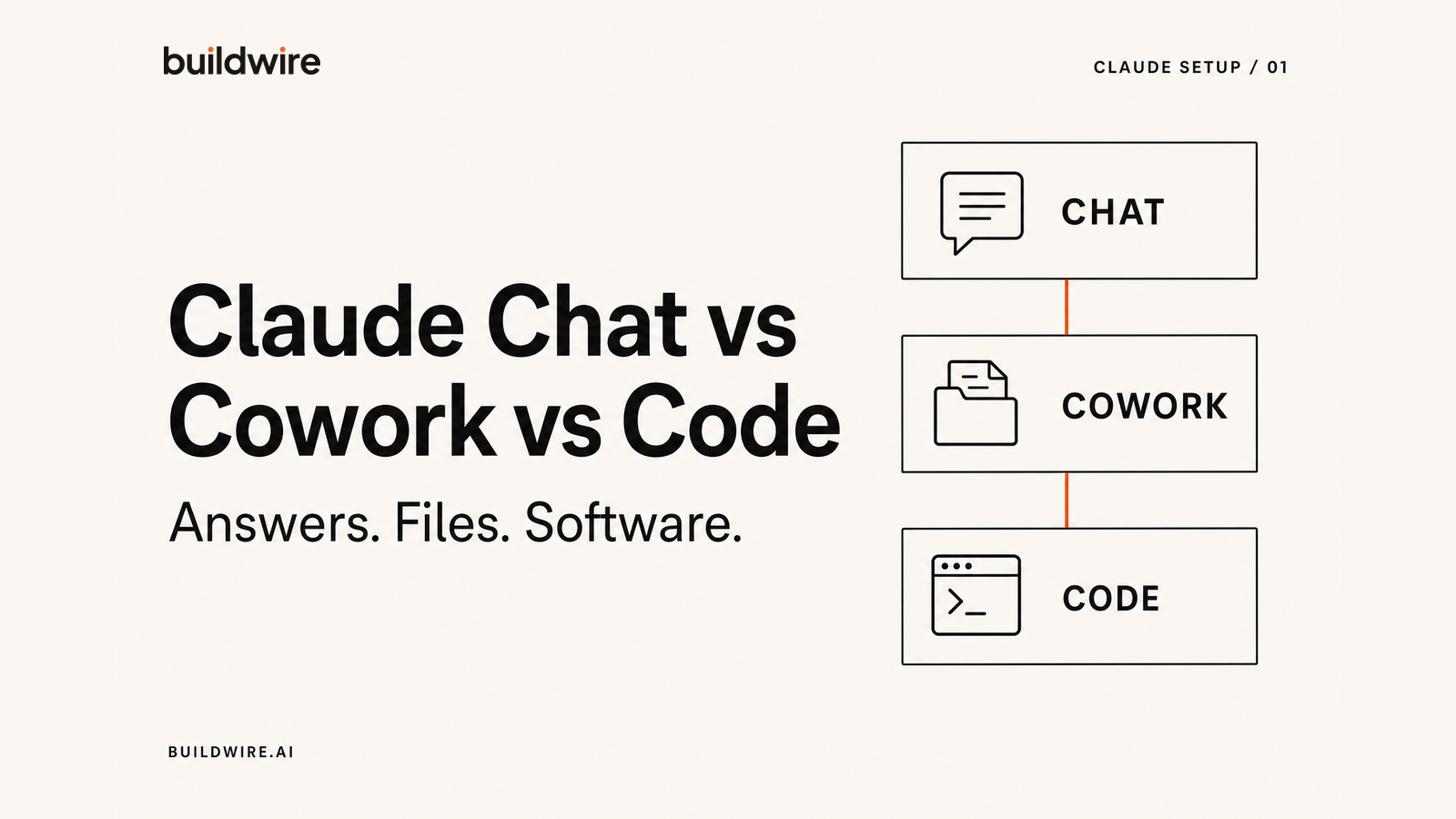
What is the difference between Claude Chat, Cowork, and Code?
Claude Chat, Claude Cowork, and Claude Code are three separate ways to use Claude, built for three different kinds of work. Claude Chat is the conversational interface at claude.ai, used for research, thinking, and writing. Claude Cowork is an agentic mode in the Claude desktop app that works directly with files and folders on your computer to finish real tasks. Claude Code is a command-line tool for developers that reads a codebase, writes and edits code, and runs tests.
The short version: use Chat when you need answers, Cowork when you need work done, and Code when you need to build software.
Claude Chat vs Cowork vs Code: comparison table
| Claude Chat | Claude Cowork | Claude Code | |
|---|---|---|---|
| Built for | Thinking and writing | Finishing tasks | Building software |
| Who it is for | Everyone | Non-developers | Developers |
| Where it runs | claude.ai, desktop, mobile | Claude desktop app, plus web and mobile in beta | Terminal, VS Code, JetBrains |
| Touches your local files | Uploads only | Yes, a folder you grant | Yes, your repository |
| Persistent context | Projects and Memory | Skills and connectors | CLAUDE.md |
| Typical output | An answer in the chat | Saved files: .docx, .xlsx, .pptx, PDF | Committed code |
| Plan needed | Free and up | Any paid plan | Any paid plan |
| Full guide | Projects setup | Cowork setup | Code setup |
How to choose between Claude Chat, Cowork, and Code
Ask what you want to exist when you are finished. If the answer is understanding, use Chat. If it is a finished file sitting on your computer, use Cowork. If it is working software in a repository, use Code.
The reason people pick wrong is that Chat can technically attempt all three. You can ask Chat to write a report, and it will. But you then copy the text out, paste it into Word, fix the formatting, and save it. Cowork skips that entire tail: it writes the file and puts it where you asked. Same request, very different amount of work left over.
This is the single largest source of wasted time we see when we audit how teams use Claude. The task was fine. The product choice was not.
Worked examples
| The task | Right product | Why |
|---|---|---|
| Understand a competitor's positioning | Chat | You need judgment, not an artifact |
| Turn 40 call transcripts into one themed summary doc | Cowork | Reads the folder, writes the file |
| Rename and sort 300 downloads into subfolders | Cowork | File operations on disk |
| Draft a LinkedIn post in your voice | Chat | One short output, no file needed |
| Reconcile two spreadsheets and flag the deltas | Cowork | Reads .xlsx, writes .xlsx |
| Add a feature to your app and run the tests | Code | Needs repository context |
| Explain what a block of code does | Chat | Paste it in, no repo access needed |
Claude Chat vs Cowork: when should you switch?
Use Claude Chat when the work ends with an answer. Switch to Claude Cowork when the work ends with a finished file or requires action across a folder.
Chat is the better place to think through a positioning question, critique a draft, or explore a decision. Cowork is the better place to turn forty transcripts into one document, reconcile two spreadsheets, or sort hundreds of files. If you keep copying a Chat answer into Word or Excel and fixing the format, the task belongs in Cowork.
For repeatable Chat context, set up Claude Projects, Memory, and project instructions. For file work, follow the Claude Cowork setup guide.
Claude Cowork vs Claude Code: which one should you use?
Use Claude Cowork for documents, spreadsheets, decks, PDFs, and folder work. Use Claude Code for source code, tests, terminals, and repositories.
Both products can act on files, but the working environment decides the answer. Cowork is built for people doing business work in the Claude desktop app. Code is built for people shipping software from a terminal or IDE. Claude Code is not a more serious version of Cowork, and Cowork is not a simplified coding tool.
Start with the Claude Code installation and setup guide if the task lives in a codebase.
Claude Chat, in brief
Claude Chat is the conversational Claude at claude.ai, available on web, desktop, and mobile. It is the right tool for research, analysis, brainstorming, and writing where the output is an answer rather than a saved file.
Two features do most of the heavy lifting, and most people never turn them on.
Projects are workspaces with their own chat history and their own knowledge base. Upload your brand guidelines, an ICP document, and three good past examples, then set project instructions once. Every chat inside that project inherits all of it. Projects are available on every plan, including Free.
Memory carries context between conversations so you stop reintroducing yourself. Each project keeps its own separate memory. Memory needs a paid plan.
The upgrade that matters most is boring: stop starting from a blank chat. A project with good instructions turns Claude from a stranger into something that already knows your business.
Read the full Claude Projects setup guide, including the custom instructions block we paste into every new project.
Claude Cowork, in brief
Claude Cowork is an agentic mode inside the Claude desktop app that can read, create, and edit files in a folder you give it access to. It was built to give non-developers the same kind of autonomous task execution that developers get from Claude Code, without a terminal.
Cowork launched on macOS in January 2026, arrived on Windows in February, and started rolling out to web and mobile in beta in July. It is included on every paid plan.
What it actually does: you point it at a folder, describe the outcome, and it works through the steps. It reads spreadsheets, PDFs, documents, and images. It writes native Word, Excel, PowerPoint, and PDF files. It can organise and rename files, pull data across dozens of documents, and build a deliverable while you do something else.
One accuracy note, because it trips people up: Cowork creates Microsoft Office and PDF files, not Google Docs. You can save the results to Google Drive, but the file it makes is a .docx.
Since July 2026 it also has Record a Skill: record yourself doing a task once, narrating as you go, and Claude turns that recording into a reusable Skill.
Read the full Claude Cowork setup guide, including folder structure, scheduling, and the project instructions we use.
Claude Code, in brief
Claude Code is Anthropic's coding agent for developers, running in the terminal or inside VS Code and JetBrains IDEs. It reads your whole codebase, edits files, runs tests, and works through multi-step engineering tasks.
It is included on all paid plans and draws from the same usage pool as Chat, so there is no separate quota to buy.
The setup that separates good results from frustrating ones is a file called CLAUDE.md in your project root. It loads automatically into every session, and it is where you record how your project actually works: the stack, the commands, the conventions, the things a new engineer would get wrong in week one.
Beyond that, Claude Code supports Skills for repeatable workflows, subagents for isolated parallel work, hooks that fire on lifecycle events, and MCP for connecting external services.
Read the full Claude Code setup guide, including our CLAUDE.md starter template.
Which Claude model should you pick?
For most work in mid-2026, Claude Opus 5 is the sensible default, and Claude Sonnet 5 is the faster, cheaper option for routine tasks. Claude Fable 5 sits above both for the hardest reasoning and long-horizon agent work.
| Model | Use it for | Notes |
|---|---|---|
| Opus 5 | Complex agentic work, most day to day | Released July 2026. Default on Max, strongest option on Pro |
| Sonnet 5 | Routine drafting, speed, volume | Default on Free and Pro |
| Fable 5 | Hardest reasoning, long agent runs | Most capable generally available model, and the most expensive |
| Haiku 4.5 | Fast, cheap, simple tasks | Good for high-volume classification |
Practical advice: leave it on the default. Model choice matters far less than whether you gave Claude the right context, and reaching for the most expensive model to fix a bad prompt does not work.
Four setup mistakes we see constantly
1. Living in a blank chat. No project, no instructions, no uploaded context, then disappointment that the output sounds generic. It sounds generic because nothing told it otherwise.
2. Using Chat for file work. If you are copying output into Word and reformatting it, that is a Cowork task you are doing by hand.
3. Treating Claude Code as the serious version. Claude Code is not better than Cowork, it is for a different job. If you are not working in a codebase, it is the wrong tool.
4. Writing context files once and never revising them. The highest-return habit is noticing a correction you make twice and putting it in the context file so you never make it a third time.
Get the working system, not just the guide
Tell us the repetitive marketing work eating your week. We will map the system and tell you what is worth building.
Book a callFrequently asked questions
Is Claude Cowork the same as Claude Code?
No. Claude Code is a command-line tool for developers that works inside a codebase. Claude Cowork is an agentic mode in the Claude desktop app for people who are not developers, working with everyday files like spreadsheets, documents, and PDFs. They share the underlying approach of letting Claude act on your files, but they are separate products for different users.
Do I need a paid plan to use Claude Cowork or Claude Code?
Yes. Both need a paid plan: Pro, Max, Team, or Enterprise. Claude Chat is available on the Free plan, and Projects work on Free too, though Memory needs a paid plan.
Can Claude Cowork create Google Docs?
No. Cowork creates native Microsoft Office and PDF files: .docx, .xlsx, .pptx, and .pdf. You can save those files to Google Drive through a connector, but Claude does not author in Google Docs format.
Can Claude Cowork run tasks on a schedule?
Yes. Scheduled recurring tasks are built into Cowork, with hourly, daily, weekly, and weekday cadences. One limit worth knowing: scheduled tasks run against your connected accounts and cloud files, not a folder on your local machine. Local-folder work has to run while you are there.
What is CLAUDE.md?
CLAUDE.md is a markdown file that Claude Code loads automatically at the start of every session. Placed in your project root, it tells Claude how your project works: the stack, the commands, the conventions, and the mistakes to avoid. It is the single highest-return thing you can set up in Claude Code.
Which Claude model is best?
Claude Opus 5 is the sensible default for most complex work as of July 2026. Claude Sonnet 5 is faster and cheaper for routine tasks and is the default on Free and Pro. Claude Fable 5 is the most capable generally available model for the hardest reasoning. In practice, good context matters more than model choice.
Can I use all three products on one subscription?
Yes. A single paid Claude subscription covers Chat, Cowork, and Code, and they draw from a shared usage pool rather than separate quotas.
Last reviewed 31 July 2026 against Anthropic's published documentation. Claude ships quickly, so check the official docs for the newest features.
