What is Claude Code?
Claude Code is Anthropic's coding agent for developers, running in the terminal or inside VS Code and JetBrains IDEs. It reads your codebase, writes and edits files, runs tests and commands, and works through multi-step engineering tasks rather than returning a snippet to paste.
It is included on every paid Claude plan and draws from the same usage pool as Claude Chat, so there is no separate quota to buy.
How to install Claude Code
Use the current official installer
Install Claude Code using Anthropic's current instructions for your operating system. Open it in a terminal, or use the supported integration in VS Code, its forks such as Cursor, or a JetBrains IDE including IntelliJ and PyCharm.
Sign in and check the billing source
Sign in with the same account as your Claude subscription. If an ANTHROPIC_API_KEY environment variable is set, Claude Code may use that key and bill at pay-as-you-go API rates instead of drawing on your subscription. Unset it if that is not what you intend.
Open the project root
Start Claude Code from the repository root, not from a random parent folder. The working directory controls which files Claude sees first and which project instructions it loads.
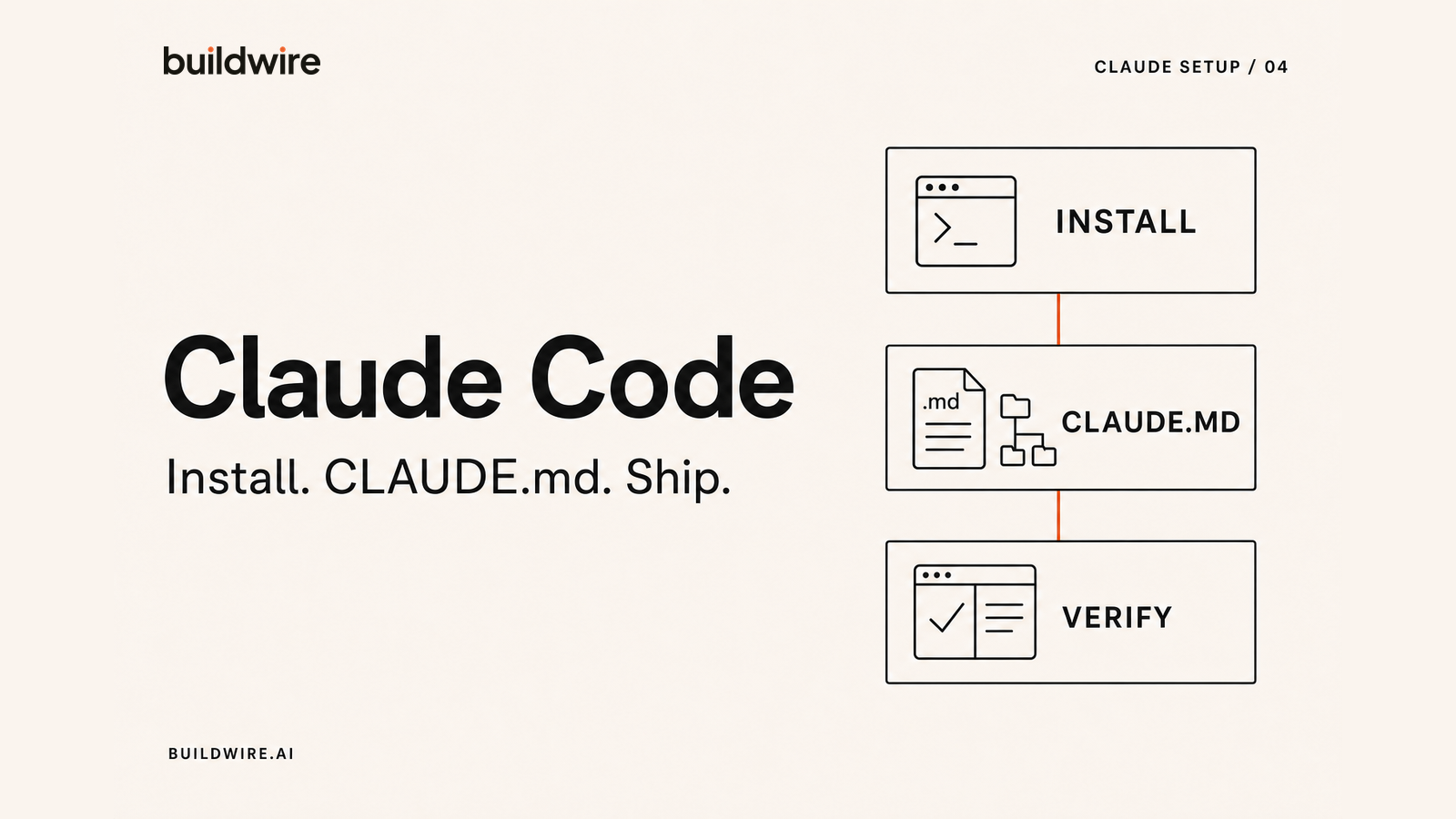
Run /init in your project
Run /init. Claude reads the codebase and generates a starting CLAUDE.md. Treat the result as a first draft rather than a finished file: it captures structure well and captures intent poorly, and intent is the part that matters.
Review the generated CLAUDE.md
Check the commands, project layout, conventions, and completion rules before your first large task. Delete generic statements and add the mistakes a new engineer would make. The template below shows what belongs in the file.
Claude Code pricing and subscription options
Claude Code is included with paid Claude plans and draws from the same usage pool as Claude Chat. It can also run through an Anthropic API key, which is billed separately at API rates.
There is no separate Claude Code subscription to add to a paid Claude plan. The choice is between plan-based usage and API billing. Plan names, prices, and allowances change, so check Anthropic's current pricing before choosing. The practical check is simple: confirm whether Claude Code signed in through your plan or detected an ANTHROPIC_API_KEY.
What is CLAUDE.md and where does it go?
CLAUDE.md is a markdown file that Claude Code loads automatically at the start of every session. It is persistent memory for a project: the stack, the commands, the conventions, and the things a new engineer would get wrong in their first week.
The main one lives at your project root, as ./CLAUDE.md or ./.claude/CLAUDE.md, and is committed to source control so the whole team shares it.
There are four levels, loaded from broadest to narrowest, and combined:
| Location | Scope | Committed? |
|---|---|---|
/etc/claude-code/CLAUDE.md | Organisation policy | Managed centrally |
~/.claude/CLAUDE.md | You, across all projects | No |
./CLAUDE.md | This project, whole team | Yes |
./CLAUDE.local.md | You, this project only | No, gitignored |
Claude Code walks up the directory tree from where you are working and loads every CLAUDE.md it finds along the way. Personal preferences go in the user or local file, shared truth goes in the project file.
Keep the project file under roughly 200 lines. It loads into every session, so length has a real cost, and a long file dilutes the instructions that matter.
The CLAUDE.md starter template
Save this as CLAUDE.md in your project root and replace the bracketed parts. The sections are ordered by how often Claude needs them.
# [Project name]

[Two lines: what this project is and who uses it.]

## Stack
- Language / runtime: [e.g. TypeScript, Node 22]
- Framework: [e.g. Next.js 15, app router]
- Database: [e.g. Postgres via Prisma]
- Testing: [e.g. Vitest]
- Deploy: [e.g. Vercel]

## Commands
- Install: [npm install]
- Dev: [npm run dev]
- Test: [npm test]
- Test a single file: [npm test -- path/to/file]
- Lint: [npm run lint]
- Typecheck: [npm run typecheck]
- Build: [npm run build]

## Project layout
- src/[dir]/   [what lives here]
- src/[dir]/   [what lives here]
- [Anything whose location is not obvious from the name]

## Conventions
- [Naming pattern you actually enforce]
- [State management or data fetching pattern]
- [Error handling pattern]
- [Anything a reviewer would flag in a pull request]

## Do not
- [Pattern that used to exist and is being removed]
- [Directory that is generated and must not be edited]
- [Dependency that is deprecated here]

## Before you finish
- Run typecheck and tests. Do not report a task complete while
  either is failing.
- Keep changes scoped to the request. If you spot an unrelated
  problem, mention it rather than fixing it.
- If a change touches more than [N] files, outline the plan and
  wait for confirmation.

## Gotchas
- [The thing that confuses every new engineer]
- [The service that needs a specific env var set locally]
The two sections that earn their place are "Do not" and "Gotchas". Anyone can list a stack. What saves real time is recording the traps, because otherwise Claude rediscovers each one by walking into it.
The habit that compounds: when you correct Claude on the same thing twice, that correction belongs in CLAUDE.md. A file that grows from real corrections beats one written from scratch in a planning session.
Claude Code Skills, subagents, hooks, and MCP
Skills
Skills are markdown files holding a repeatable workflow. You invoke one with a slash command, or Claude loads it when it becomes relevant. Worth knowing that slash commands and Skills are now the same mechanism, so older material describing them as separate systems is out of date.
Good candidates are procedures with steps you always want followed the same way: opening a pull request, running a release, writing a migration.
Subagents
A subagent runs work in its own isolated context and returns a summary to the main conversation. Two uses: parallel work across independent areas, and keeping a large investigation out of your main context so the session does not fill up with exploration noise.
Hooks
Hooks fire on lifecycle events such as SessionStart or PostToolUse, and can run a script, call an endpoint, or trigger a subagent. Unlike instructions in CLAUDE.md, which Claude follows most of the time, hooks always run. Anything that must happen deterministically, such as formatting after every edit, belongs in a hook rather than an instruction.
MCP and plugins
MCP connects Claude Code to outside systems: a database, an issue tracker, a browser. Plugins are the packaging layer that bundles Skills, hooks, subagents, and MCP servers into one installable unit, which is how teams share a working setup rather than each person configuring their own.
Claude Code best practices
1. Ask for a plan before a large change
For anything touching several files, ask for the approach first and read it. Correcting a plan costs a minute. Correcting an implementation costs an hour.
2. Keep sessions scoped to one task
Long sessions that wander across unrelated work degrade, because the context fills with material irrelevant to the current question. Finish a task, start fresh.
3. Make the feedback loop machine-checkable
Claude Code is at its best when it can verify its own work. A project with fast tests and a typecheck command gets dramatically better results than one where correctness can only be judged by a human reading the diff.
We build agent systems for growth teams
Tell us the repetitive marketing work eating your week. We will map the system and tell you what is worth building.
Book a callFrequently asked questions
How do I install Claude Code?
Follow Anthropic's current installer for your operating system, sign in with your Claude account, open the repository root, and run /init. Check whether an ANTHROPIC_API_KEY is set before you start because that can change the billing source.
How much does Claude Code cost?
Claude Code is included with paid Claude plans and uses the same usage pool as Claude Chat. It can also run through an Anthropic API key billed at API rates. Check Anthropic's current pricing because plan prices and limits can change.
What is CLAUDE.md?
CLAUDE.md is a markdown file that Claude Code loads automatically at the start of every session. Placed at your project root and committed to source control, it records the stack, the commands, the conventions, and the mistakes to avoid, so Claude starts every session already knowing how your project works.
Where should CLAUDE.md be located?
The main file goes at the project root as ./CLAUDE.md or ./.claude/CLAUDE.md and is committed so the team shares it. Personal preferences that apply across all your projects go in ~/.claude/CLAUDE.md, and project-specific personal notes go in ./CLAUDE.local.md, which is gitignored. Claude Code loads every file it finds walking up from the working directory.
How long should CLAUDE.md be?
Under roughly 200 lines. It loads into every session, so length has an ongoing cost, and a long file dilutes the instructions that matter most. Prioritise the commands, the conventions you enforce, and the traps that catch new engineers.
Is Claude Code included in my Claude subscription?
Yes, on all paid plans: Pro, Max, Team, and Enterprise. It draws from the same usage pool as Claude Chat, so there is no separate quota. If an ANTHROPIC_API_KEY environment variable is set, Claude Code bills at API rates instead of using your subscription.
What is the difference between Skills and subagents in Claude Code?
A Skill is a reusable set of instructions for a repeatable workflow, invoked by slash command or loaded when relevant. A subagent is an isolated execution context that does work separately and returns a summary. Skills define what to do; subagents change where the work happens. Slash commands and Skills are now the same mechanism.
Should I use Claude Code or Claude Cowork?
Use Claude Code if you work inside a codebase and are comfortable in a terminal or IDE. Use Claude Cowork if your work involves documents, spreadsheets, and files rather than source code. Claude Code is not a more advanced Claude, it is the version built for software work.
Does Claude Code work in VS Code and JetBrains?
Yes. Claude Code runs in the terminal and has extensions for VS Code and its forks such as Cursor, plus JetBrains IDEs including IntelliJ and PyCharm, using the same login as your Claude account.
Last reviewed 31 July 2026 against Anthropic's published documentation.
